 by cooked
uxtension settings: what each one does
Click uxtension in your toolbar and press the Settings icon. Settings sit in five panels: General & UI, Trading Tools, Analysis & Data, Search & Shortcuts, and Discord Integration. Set your layout, your PnL wallets and holder highlighting first.
Haven't installed it yet? how to install uxtension.
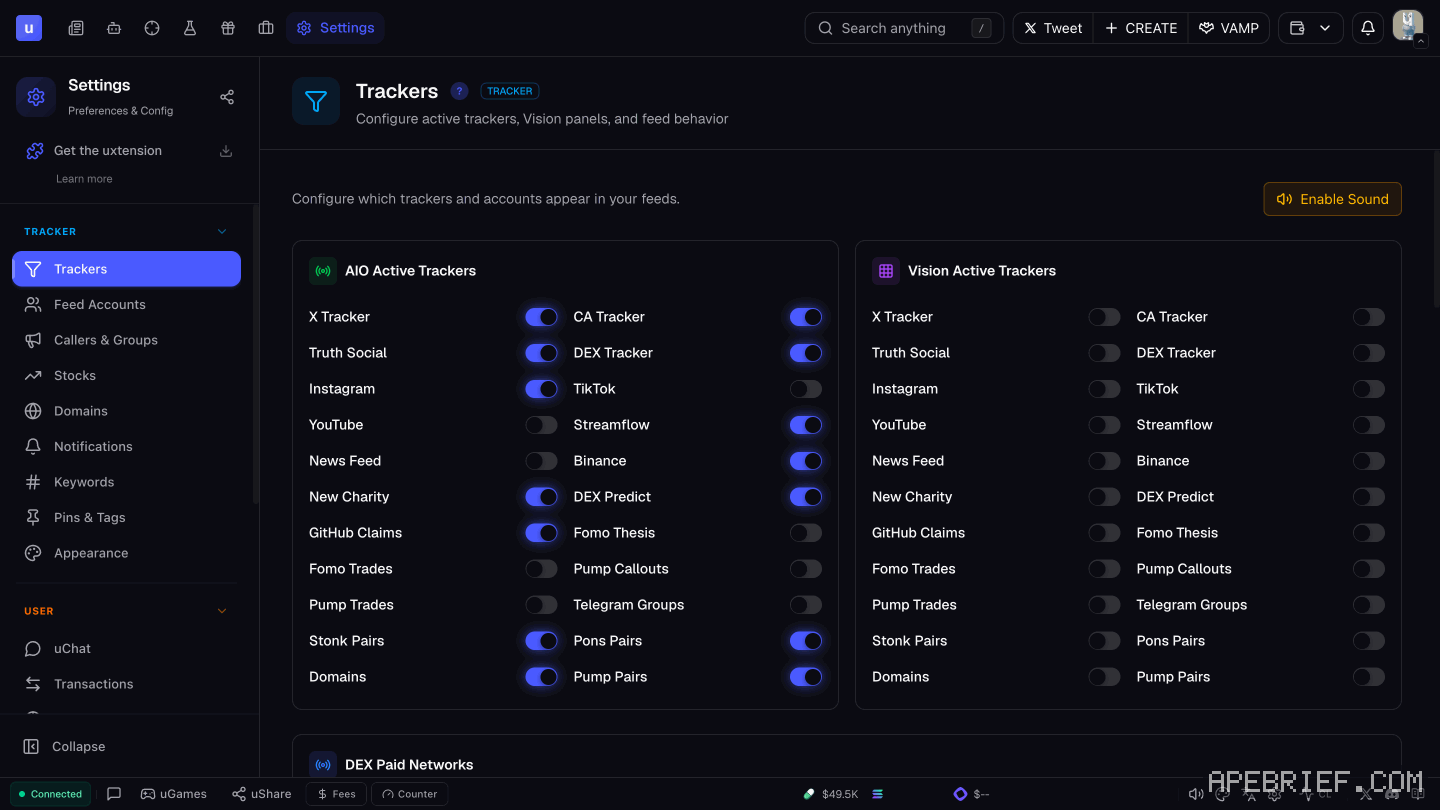
your trading screen
Trading Setup (Trading Tools). Arrange your windows, then click Save Setup. It keeps positions, sizes and tabs. Next session, Load Setup opens Axiom with that layout.
Quick Settings. Opening uxtension on any page shows a Quick Settings panel with shortcuts for that page. Nothing to set.
Open Quick Buys in New Tab. With it on, a Quick Buy on Pulse also opens the token page in a background tab, so you can watch the chart without leaving Pulse.
Keyboard Shortcuts (Search & Shortcuts). On by default and work from any Axiom page:
| keys | opens |
|---|---|
| Shift + S | token search |
| Shift + A | wallet tracker |
| Shift + D | Pulse Vision |
| Shift + C | switch between SOL and BNB |
Uxento Search (Search & Shortcuts). Four toggles:
- Quick Search: double-click any text to search it on New Pairs. Or Ctrl + Shift + Q.
- Global Search: Ctrl + double-click opens a search window. Or Ctrl + Shift + G.
- Axiom Support: turns search on for Axiom.
- GMGN Support: Quick Search only, a New Pairs keyword search.
your pnl
PNL Setup (Trading Tools).
- Tick the box to enable it.
- Enter the wallet you trade from and its starting balance. For more than one wallet, separate them with a comma.
- Drag the tracker where you want it and resize it.
What it looks like: the pnl tracker.
reading pulse faster
All in General & UI except the banner.
- Pulse Card Colors. Pick which launchpads get color-coded cards, then set each color with the picker or a hex code. One color per launchpad lets you read a column at a glance.
- Card Animations. Silver and Gold tokens get a slight animation. Turn it off if you'd rather a still screen.
- Show Groups on Pulse / Token Page. Two boxes. One puts Uxento and TG group badges under each token on Pulse, the other on token pages. These are the callouts.
- Themes. Pick one, then refresh your trading platform to see it.
- DEXScreener Overlay (Analysis & Data). On by default: coins with a paid DEX Screener banner show it on the platform. Untick and refresh to hide it.
The same panel also has toggles for X usernames on Pulse and the uHourly stats in the footer.
seeing who's behind a coin
All in Analysis & Data.
- Highlight Significant Holders. By default, any holder with 5% of supply is highlighted. Toggle it on and move the slider to set your own threshold.
- Multi-Deploy Identifier. Flags serial deployers making several coins on New Pairs. The first coin shows green; later ones are hidden or shown orange, your choice. With both on, they're hidden, and orange is the fallback if hiding fails.
- uDev Wallet Tracking. Track chosen dev wallets on Pulse, New Pairs only. Their cards get a color you pick and an optional sound.
These pair with Axiom's own Bundle %, Insiders % and Snipers %. bundles on uxento covers what a bundled launch looks like.
if you launch coins
Open Token Page After Launch (Trading Tools). After you launch a coin with uDev, its Axiom page opens in a new tab. Add Switch to New Tab to jump straight to it.
Trading Tools also holds Insta Vamp on Pulse. what vamps are.
discord
The Discord Integration panel sets keyword highlights, username highlights and sounds for Discord. discord integration has the details.
If you're signing up, the link below is our Uxento referral link, code apebrief.
We get a commission from Uxento, which helps support our work, at no extra cost to you. We might add tools for people who used our code.
Tapping the button puts on your clipboard and opens Uxento. Where the signup shows a code field, paste it there.
How we know: every number on this page
18 sources
- settings open from the Settings icon in the uxtension popup and are grouped in five panels General · source2026-10-07
- Trading Setup saves your window layout and Load Setup opens Axiom with it Save · source2026-10-07
- opening uxtension shows a Quick Settings panel with shortcuts for the page you are on Quick · source2026-10-07
- the four Axiom keyboard shortcuts, on by default, toggled in Search & Shortcuts Shift · source2026-10-07
- Uxento Search options and their key combinations Ctrl · source2026-10-07
- Open Quick Buys in New Tab also opens the token page in a background tab when you Quick Buy on Pulse new · source2026-10-07
- PNL Setup: tick the box in Trading Tools, enter wallets and starting balance, separate wallets with a comma; the tracker can be resized and dragged comma · source2026-10-07
- Pulse Card Colors color-codes cards by launchpad, with a color picker or hex code hex · source2026-10-07
- Card Animations gives Silver and Gold tokens a slight animation; toggle in General & UI Silver · source2026-10-07
- Themes are in General & UI and need a refresh of the trading platform refresh · source2026-10-07
- Show Groups puts Uxento and TG group badges on Pulse and on token pages, each with its own box TG · source2026-10-07
- the DEXScreener banner overlay is on by default, in Analysis & Data, and needs a refresh after toggling enabled · source2026-10-07
- holders with 5% of supply are highlighted by default; the threshold is a slider in Analysis & Data 5% · source2026-10-07
- Multi-Deploy Identifier flags serial deployers on New Pairs: first coin green, later ones hidden or orange Green · source2026-10-07
- uDev Wallet Tracking highlights cards from chosen dev wallets on Pulse New Pairs, with an optional sound New · source2026-10-07
- Open Token Page After Launch opens the Axiom page of a coin you launch with uDev, with an optional Switch to New Tab Switch · source2026-10-07
- Insta Vamp on Pulse is a Trading Tools setting Insta · source2026-10-07
- uHourly stats and X usernames on Pulse are toggled in Analysis & Data Analysis · source2026-10-07
next
- what uxtension does: ca tracker, pnl tracker, find ca and moreuxtension shows which paid alpha groups posted a coin's contract address, puts a PnL tracker over your terminal, shows paid DEX Screener banners, finds the CA on any website and checks its domain age, sums up GitHub repos, adds hourly volume and meta stats, and highlights Discord keywords.
- uxento vision and the aio feed: what it tracks and how to set it upUxento Vision is Uxento's tracker feed: contract addresses from paid alpha groups, X, DEX paid, Streamflow locks, Truth Social, Instagram, Telegram and news, each as a card.
- uxento callouts: which groups called a coin, and how to read itA callout is a contract address posted in one of the paid alpha groups Uxento watches.
- uxento referral code: apebrief, and how sign-up worksOur Uxento referral code is apebrief. Sign up through our link with your email: Uxento emails you a code, you enter it, and you land on the Uxento AIO feed.