 by cooked
send from coinbase to a wallet: network, memo, fee and allowlist
Pick the network your wallet receives on, because Coinbase says it can't recover funds sent on the wrong one: Solana for a Phantom Solana address, and for an 0x address the EVM chain you mean to use. A self-custody wallet generally needs no tag or memo. The network fee is Coinbase's estimate and shows before you send.
the steps
On Coinbase.com:
- Send crypto.
- Pick the asset and type the amount.
- To, then choose the network.
- Paste the address from your wallet's receive screen, or pick a saved one.
- Preview Send, check it, then Send now. Coinbase may ask for 2-step verification on larger sends.
In the app it starts from the Pay tab: the asset, the amount, Pay, then the recipient's address, the network, and Pay now.
Sending to another Coinbase user by email, phone or username is different: it stays off-chain, instant and free.
the network
Coinbase preselects a default network and displays it on the send. To change it, tap the network field. It says both ends have to use the same network.
- Phantom. It has one receive address per network. Choose the network you saw on Phantom's receive screen: Solana for SOL or USDC on Solana.
- MetaMask, or any 0x address. The same address works on every EVM chain, so the network you pick decides which chain the funds land on. Pick the chain you plan to use them on.
tag or memo
Some assets, XRP (a tag) and XLM, ATOM, EOS and HBAR (a memo) among them, route a deposit by an extra field because an exchange shares one address across its users. Sending to another exchange, that exchange decides whether you need one; enter it exactly if it shows you one. Sending to your own Phantom or MetaMask, Coinbase says you generally don't, because the address is yours alone. A send that went out without a needed tag is for the receiving side to trace; Coinbase can't retrieve it.
the fee
The network fee is Coinbase's estimate of what a stand-alone wallet-to-wallet send costs on that network. Coinbase pays the actual one, which can vary due to batching and how busy the network is. The fee appears before you confirm. USDT adds a processing fee of 0.01% of the amount, capped at 20 USDT, on top of the network fee.
Coinbase publishes no fee or minimum per network for the Coinbase app; the send screen is where both show.
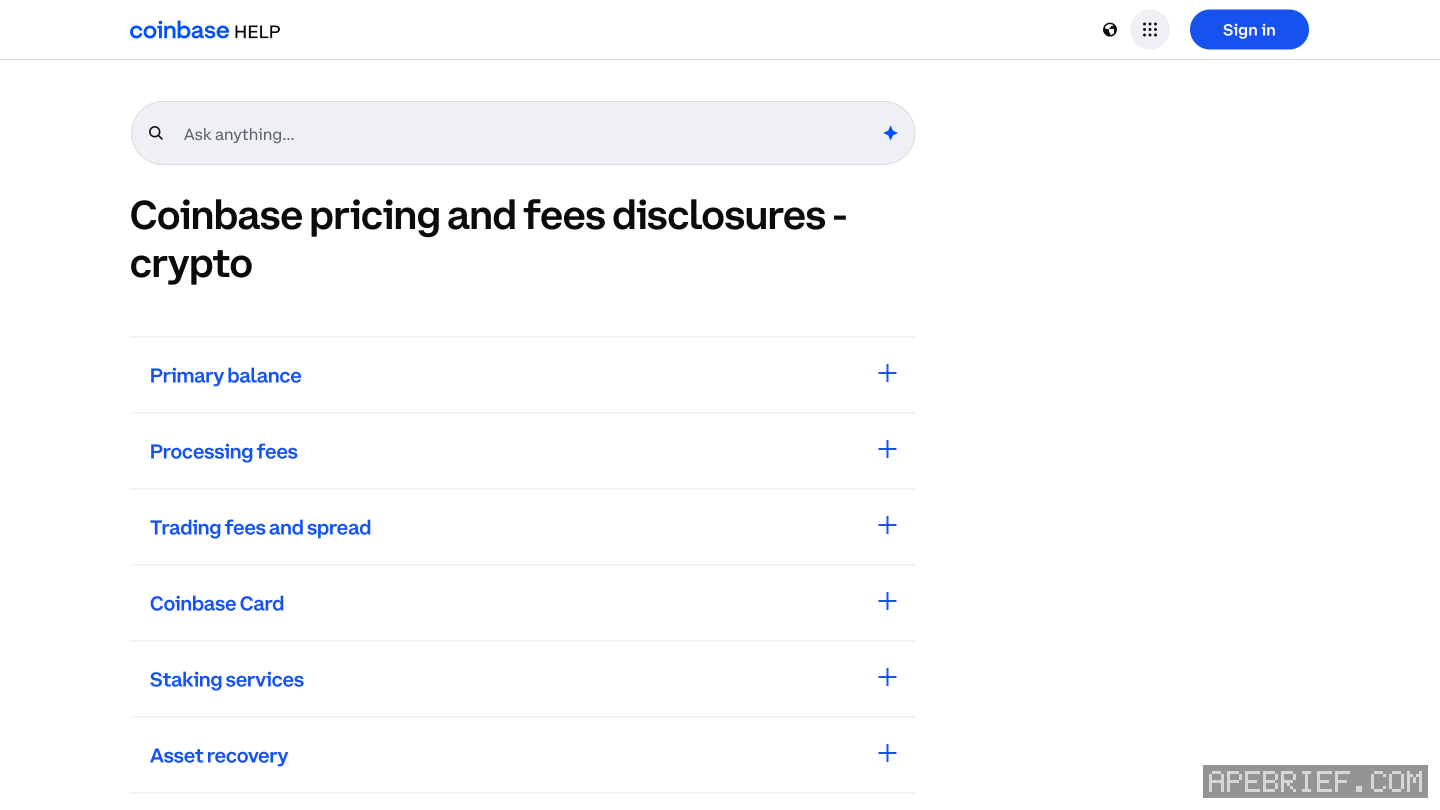
lock sends to saved addresses
Coinbase's allowlist limits sends to your address book. Profile, Settings, Allow list, turn it on, then Add address; an EVM asset takes an EVM address. It needs your 2-step verification.
A new address only becomes active 48 hours after you add it, and turning the allowlist off also takes 48 hours, unless you do it within 8 hours of turning it on. That delay is the point: someone in your account can't add their address and drain it the same day.
test small, then send the rest
Coinbase suggests a small test first. Send it, wait for it to show in the wallet, then send the rest. Still pending? Wait at least 30 minutes, then View on block explorer and check the confirmations. Completed but not in the wallet? Check the address, and that the network matches the wallet's.
Wrong network already? sent from coinbase on the wrong network. The same checks for any exchange are in sending crypto from an exchange to your own wallet, and where to take it next is in from an exchange to on-chain.
People also ask
I sent from Coinbase on the wrong network. Can I get it back?
Not from Coinbase: on-chain sends are irreversible and it can't recover wrong-network sends. On your own 0x wallet on another EVM chain, it is at the same address there. At another exchange, ask that exchange with the transaction hash.
the full answerHow do I send crypto from an exchange to my own wallet?
Copy the address from the wallet's receive screen and pick the network the wallet showed you, not the cheapest one. A memo is only for a receiving side that asks for one. Send a small amount first, then the rest.
the full answerHow do I buy crypto on Coinbase?
With a linked 3D Secure card, or cash deposited from your bank into your Coinbase cash balance, picked under Pay with. Verify your identity first; the name on the card or bank has to match your account.
How do I get crypto from an exchange onto Solana, Hyperliquid or Robinhood Chain?
Buy on the exchange, withdraw to your own wallet on the network your next stop uses, then trade there. SOL on Solana for Axiom, Photon or Jupiter. USDC on Arbitrum for Hyperliquid, unless the exchange sends there directly. ETH on Ethereum, then bridged, for Robinhood Chain.
How we know: every number on this page
10 sources
- web steps: Send crypto, asset and amount, To, network, address, Preview Send, Send now, 2-step verification if prompted; app steps start at the Pay tab; on-chain sends are irreversible and Coinbase can't retrieve funds sent to a wrong address or network Send · source2026-09-26
- sends to another Coinbase user by email, phone or username are off-chain, instant and free; 2FA is asked on certain higher-value sends Off-chain · source2026-09-26
- a default network is preselected; change it in the network field; both ends must use the same network, the Polygon and Ethereum case aside; Coinbase can't recover funds lost to a wrong network same · source2026-09-26
- tags and memos route deposits at a shared exchange address; the receiving platform decides; a self-custody wallet generally needs none; send a small test first; Coinbase can't retrieve a send that went out without a needed tag; XRP uses a tag, XLM, ATOM, EOS and HBAR a memo small · source2026-09-26
- the network fee on a send is Coinbase's estimate for a stand-alone wallet-to-wallet send; Coinbase pays the real fee, which can differ with batching and congestion; all fees show at the time of the transaction; Coinbase-to-Coinbase transfers pay no network fee estimate · source2026-09-26
- every USDT withdrawal pays a 0.01% processing fee, at most 20 USDT, plus the network fee 0.01% · source2026-09-26
- the allowlist limits sends to the address book; it needs 2-step verification; a new address is usable after 48 hours; turning it off takes 48 hours, unless within 8 hours of turning it on; EVM assets take an EVM address 48 · source2026-09-26
- a pending send: wait at least 30 minutes, then check confirmations with View on block explorer; a completed one that didn't arrive: check the address and that the recipient's network matches 30 · source2026-09-26
- Phantom has one receive address per network and says to pick the same network in the exchange's withdrawal; one MetaMask address works on every EVM network same · source2026-09-26
- Axiom's docs have you fund the account by depositing SOL straight into the wallet it shows deposit · source2026-09-26
next
- I sent from Coinbase on the wrong network. Can I get it back?Coinbase can't pull it back: on-chain sends are irreversible and it can't recover funds sent on the wrong network. Where it landed decides the rest.
- How do I send crypto from an exchange to my own wallet?Copy the address from your wallet's receive screen, pick the network the wallet showed you for it, send a small amount first, then the rest.
- How do I buy crypto on Coinbase?Two routes: pay with a linked 3D Secure card, or deposit cash from your bank into your Coinbase cash balance and buy with that.
- How do I buy crypto on Kraken?Two routes: Buy with a Visa or Mastercard card, Apple Pay or Google Pay, or a bank transfer into your cash balance and a Buy with that.