 by cooked
how to buy crypto on binance: card, p2p or bank transfer
Three routes: a Visa or Mastercard card under Buy Crypto, P2P from another Binance user, or a bank transfer into your fiat balance and a buy with that. Binance asks you to verify your identity and turn on two-factor authentication before you buy.
before any of them
Turn on two-factor authentication and complete identity verification. Binance asks for both before any purchase, and asks for both again before P2P. The payment methods on offer depend on the currency you pay in; Buy Crypto shows the ones open to you.
by card
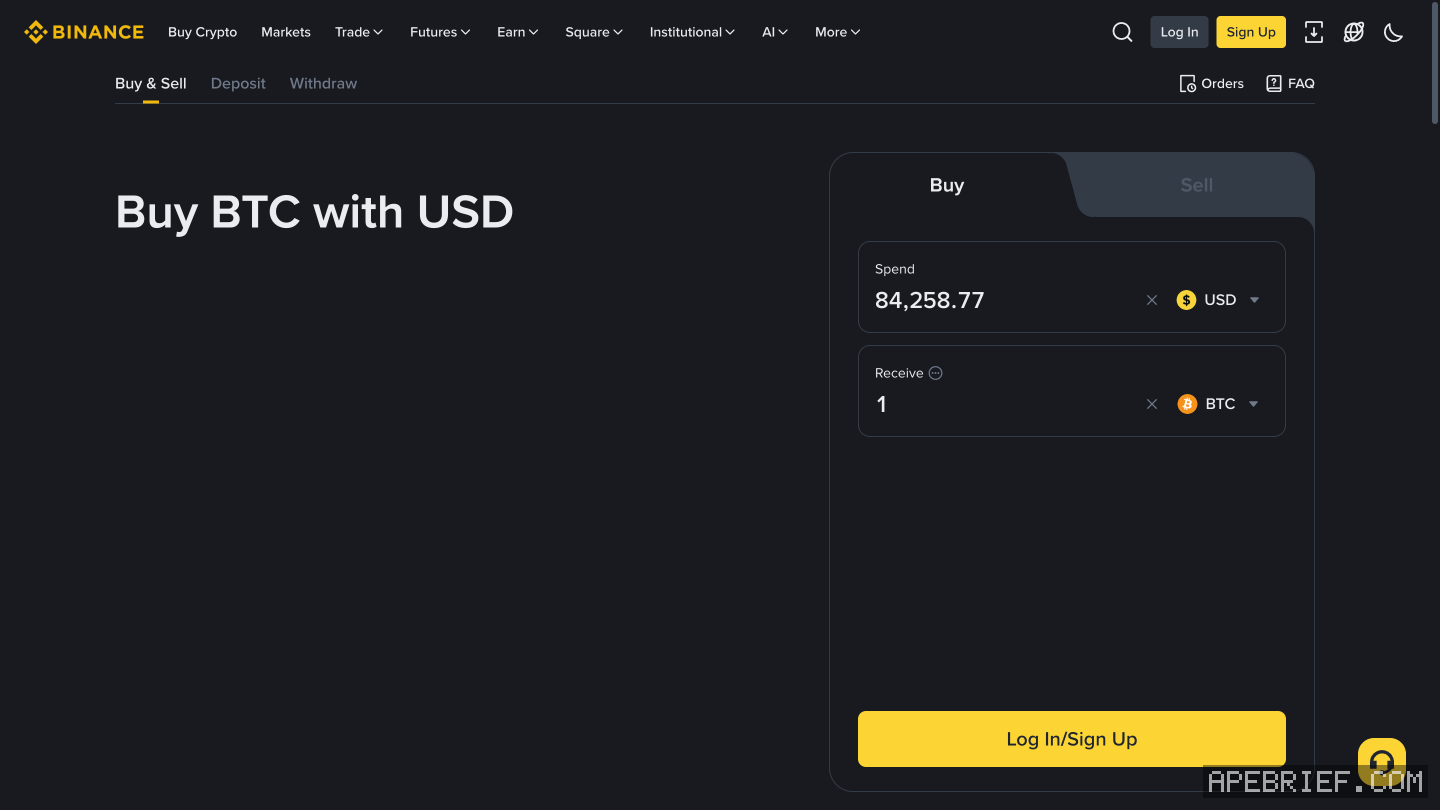
- Buy Crypto. Pick the currency you pay in and type the amount.
- Pay with Card (VISA/Mastercard), then Buy.
- First card? Add New Card and enter it.
- Check the payment details and the fee, then Confirm. Binance gives you 1 minute before it recalculates the price.
- Your bank may send you to its one-time password page. Finish it there.
Binance takes Visa and Mastercard, credit and debit, plus Apple Pay and Google Pay, and up to five linked cards. Some banks decline crypto purchases, and some charge extra as a quasi-cash payment; Binance's answer to a decline is another card. The fee and the rate both shape what arrives. Hit the daily limit and Increase limit asks for more verification.
p2p
You buy from another Binance user and pay them directly, by bank transfer or a payment app they name. Binance holds the seller's crypto in escrow until they release it.
- Trade, then P2P.
- Express matches you to the best price for your payment method. P2P lets you pick a seller's ad yourself. Read the seller's terms first.
- Pay the seller outside Binance, then press Transferred, Notify Seller.
- The seller releases the crypto. If it does not come in the release window, press Appeal.
Never press Transferred, Notify Seller before you have paid. Never cancel after paying unless the seller has refunded you. Cancel three orders in a day and Binance stops you buying for the rest of it.
bank transfer, then buy
- Deposit, pick your currency and Bank Transfer.
- Send from your personal bank account. Put Binance's reference code in the memo or comment field of the transfer, or the deposit fails.
- Press I've sent the fund and wait for it to arrive.
- Then Buy Crypto and pay with Cash Balance.
once it's bought
It sits in your Binance account, under Overview. To trade it on-chain, withdraw it to a wallet: withdraw from binance to a wallet has the network, memo, fee and minimum, and from an exchange to on-chain has where it goes next.
People also ask
Which network do I pick to withdraw from Binance to my wallet?
The one your wallet receives on, never the cheapest: Solana for a Phantom Solana address, the chain you plan to use for an 0x address. The fee and minimum depend on the network and show on the form. Test small first.
the full answerHow do I get crypto from an exchange onto Solana, Hyperliquid or Robinhood Chain?
Buy on the exchange, withdraw to your own wallet on the network your next stop uses, then trade there. SOL on Solana for Axiom, Photon or Jupiter. USDC on Arbitrum for Hyperliquid, unless the exchange sends there directly. ETH on Ethereum, then bridged, for Robinhood Chain.
the full answerHow do I send crypto from an exchange to my own wallet?
Copy the address from the wallet's receive screen and pick the network the wallet showed you, not the cheapest one. A memo is only for a receiving side that asks for one. Send a small amount first, then the rest.
I withdrew from Binance on the wrong network. Can I get it back?
Not from Binance: once crypto leaves for another platform, Binance says it can't help. On your own 0x wallet on another EVM chain, it is at the same address there; switch networks. At another exchange, ask that exchange with the TxID.
How we know: every number on this page
10 sources
- before buying, Binance asks for two-factor authentication and identity verification; Buy Crypto shows the payment methods available to you; the order has to be confirmed within 1 minute or the price is recalculated 1 · source2026-09-26
- the card steps on the website: Buy Crypto, amount, Card (VISA/Mastercard), Add New Card, check fees, Confirm, then the bank's one-time password page Card · source2026-09-26
- cards and wallets Binance takes for card buys, and how many cards an account can link five · source2026-09-26
- some banks block crypto purchases or charge a quasi-cash fee; fees and the rate both shape what you receive; a daily limit is raised through more verification quasi-cash · source2026-09-26
- P2P: you trade with another Binance user, Binance holds the seller's crypto in escrow, identity verification and a 2FA device come first, and the website route is Trade, P2P with Express or P2P mode escrow · source2026-09-26
- in P2P you pay the seller yourself, mark it paid only after paying, never cancel after paying unless refunded, and appeal if the crypto is not released; three cancellations in a day suspend buying for the day; at most two open orders three · source2026-09-26
- bank transfer deposits start at Deposit, come from your personal bank account, take the Reference Code in the transfer's memo field, and are confirmed with I've sent the fund Reference · source2026-09-27
- a fiat balance is spent as the Cash Balance payment method under Buy Crypto Cash · source2026-09-26
- card-bought crypto shows in the account shortly, under Overview Overview · source2026-09-26
- Axiom's docs: fund the account by depositing SOL to the wallet shown, or buy SOL through a card partner inside Axiom deposit · source2026-09-26
next
- Which network do I pick to withdraw from Binance to my wallet?Pick the network your wallet receives on, not the cheapest one: Solana for a Phantom Solana address, and for an 0x address the EVM chain you mean to use it on.
- How do I send crypto from an exchange to my own wallet?Copy the address from your wallet's receive screen, pick the network the wallet showed you for it, send a small amount first, then the rest.
- I withdrew from Binance on the wrong network. Can I get it back?Binance can't pull it back: once crypto leaves Binance for another platform, Binance can no longer help. Where it landed decides the rest.
- I sent from Coinbase on the wrong network. Can I get it back?Coinbase can't pull it back: on-chain sends are irreversible and it can't recover funds sent on the wrong network. Where it landed decides the rest.